Symptom Tracker for Doctor Appointments
A practical guide to choosing a symptom tracker that helps before specialist and follow-up appointments.

Zebra
For invisible chronic illness
Doctor Reports
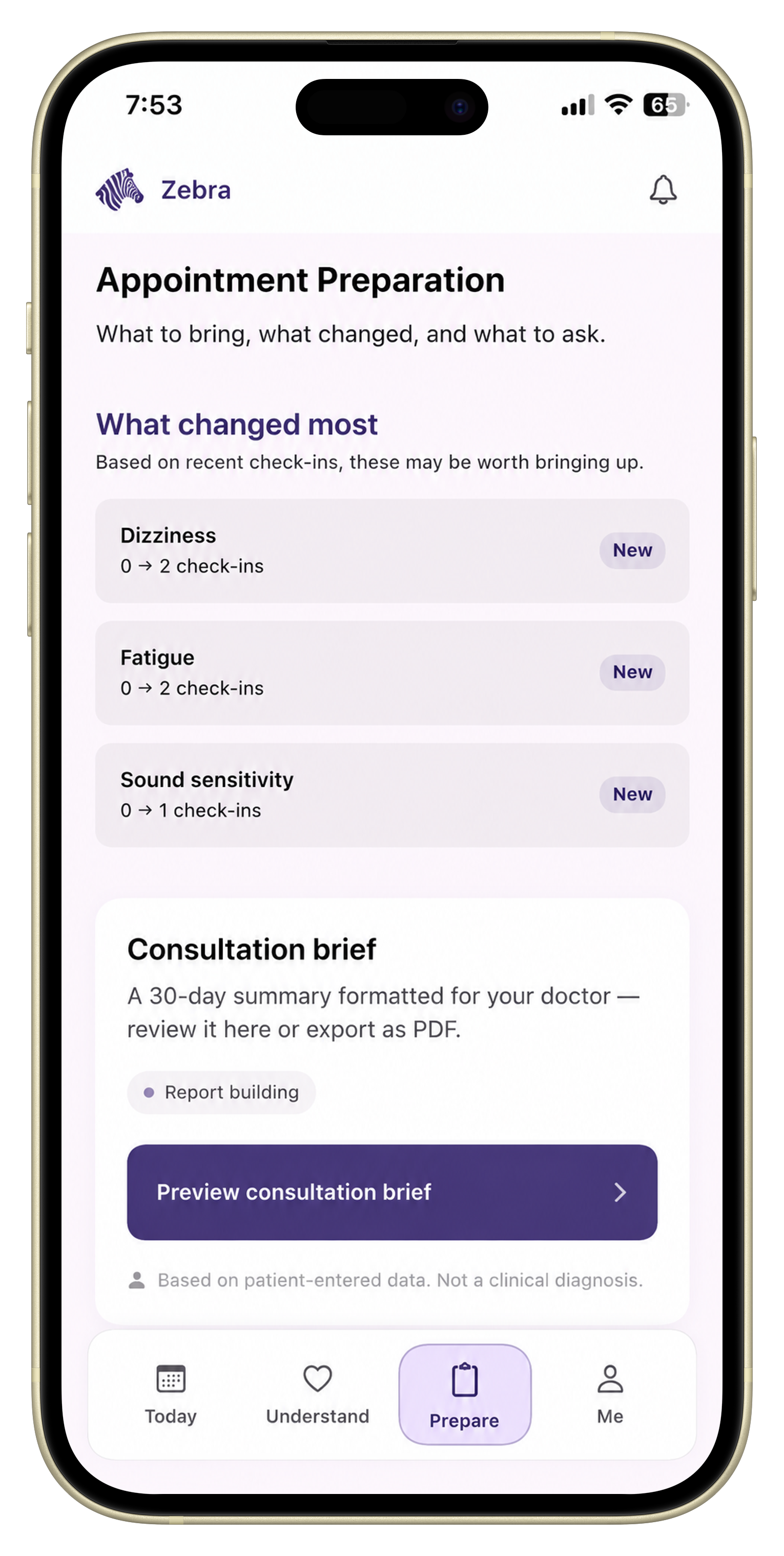
A monthly symptom summary turns scattered daily notes into a short review of what changed, what repeated, what affected function, and what questions you want to bring to care. It should be short enough to use before an appointment and clear enough to review when brain fog is high.
A monthly symptom summary turns scattered daily notes into a short review of what changed, what repeated, what affected function, and what questions you want to bring to care. It should be short enough to use before an appointment and clear enough to review when brain fog is high.
This kind of summary is useful because raw tracking can become hard to use. A month of entries only helps if you can turn it into a clear doctor-ready report or appointment note.
Before you list details, write one direct sentence:
That sentence gives the summary a center.
Choose the symptoms that mattered most, not every symptom you logged.
Good choices are symptoms that were:
If everything feels important, choose the three symptoms that changed your day the most.
For flare history, summarize:
You do not need to retell every flare. You need a clear enough picture to discuss.
Functional impact explains why the symptoms mattered.
Examples:
These details make the summary more concrete.
Include changes that could matter to the conversation:
This context helps you ask better questions.
A useful monthly summary should end with two or three questions.
Examples:
Questions make the summary easier to use in the room.
Use this structure:
That is enough for most appointment prep.
Zebra is built to help daily symptom history become a monthly summary and doctor-ready report, so you do not have to rebuild the story from memory at the end of the month.
It should include main symptoms, recent changes, flare patterns, function impact, medication or routine context, and questions for the appointment.
A useful summary is usually short enough to scan quickly. Focus on the clearest patterns and the questions that matter most.
No. It is an organization tool for patient-entered history, not a diagnosis or treatment recommendation.
Put this into practice
Use Zebra to turn daily tracking into a clearer monthly symptom summary.
Download ZebraKnowledge hub
Keep exploring
A practical guide to choosing a symptom tracker that helps before specialist and follow-up appointments.
Learn what to track before a specialist appointment, including symptoms, flares, medications, function changes, and your top questions.
A practical framework for tracking how symptoms affect daily life before a doctor appointment.
Learn how to organize symptom history, medications, function changes, and questions into a clear doctor-visit summary.