Doctor Appointment Symptom Checklist
A practical symptom checklist for preparing clearer notes before a doctor, specialist, or cardiology appointment.

Zebra
For invisible chronic illness
Appointment Preparation
To organize your health history for a doctor visit, start by pulling recent symptom changes, medication changes, function impact, and your top questions into one short summary. Your doctor does not need every note you have ever taken first. They need the version that helps them understand what changed and what you need help with now.
To organize your health history for a doctor visit, start by pulling recent symptom changes, medication changes, function impact, and your top questions into one short summary. Your doctor does not need every note you have ever taken first. They need the version that helps them understand what changed and what you need help with now.
For many people with chronic illness, the hard part is not the history itself. It is that the history is scattered across memory, Notes, screenshots, old reports, and half-finished tracking systems.
The most useful place to begin is usually the last 2 to 4 weeks, unless the visit is about a longer-standing problem that requires a broader timeline.
Pull together:
Name the symptoms that matter most for this visit.
Write what got worse, became more frequent, or started recently.
Explain what those symptoms did to work, daily tasks, mobility, concentration, or recovery.
List current medications, supplements, and recent changes. Include anything you tried that affected symptoms.
Keep your top questions together so they do not disappear under stress.
A useful timeline does not have to be long. It should make the sequence clear:
If your timeline is too long to reread quickly, shorten it.
Try not to lead with:
You can still bring those if needed. They just do not belong at the top of the conversation.
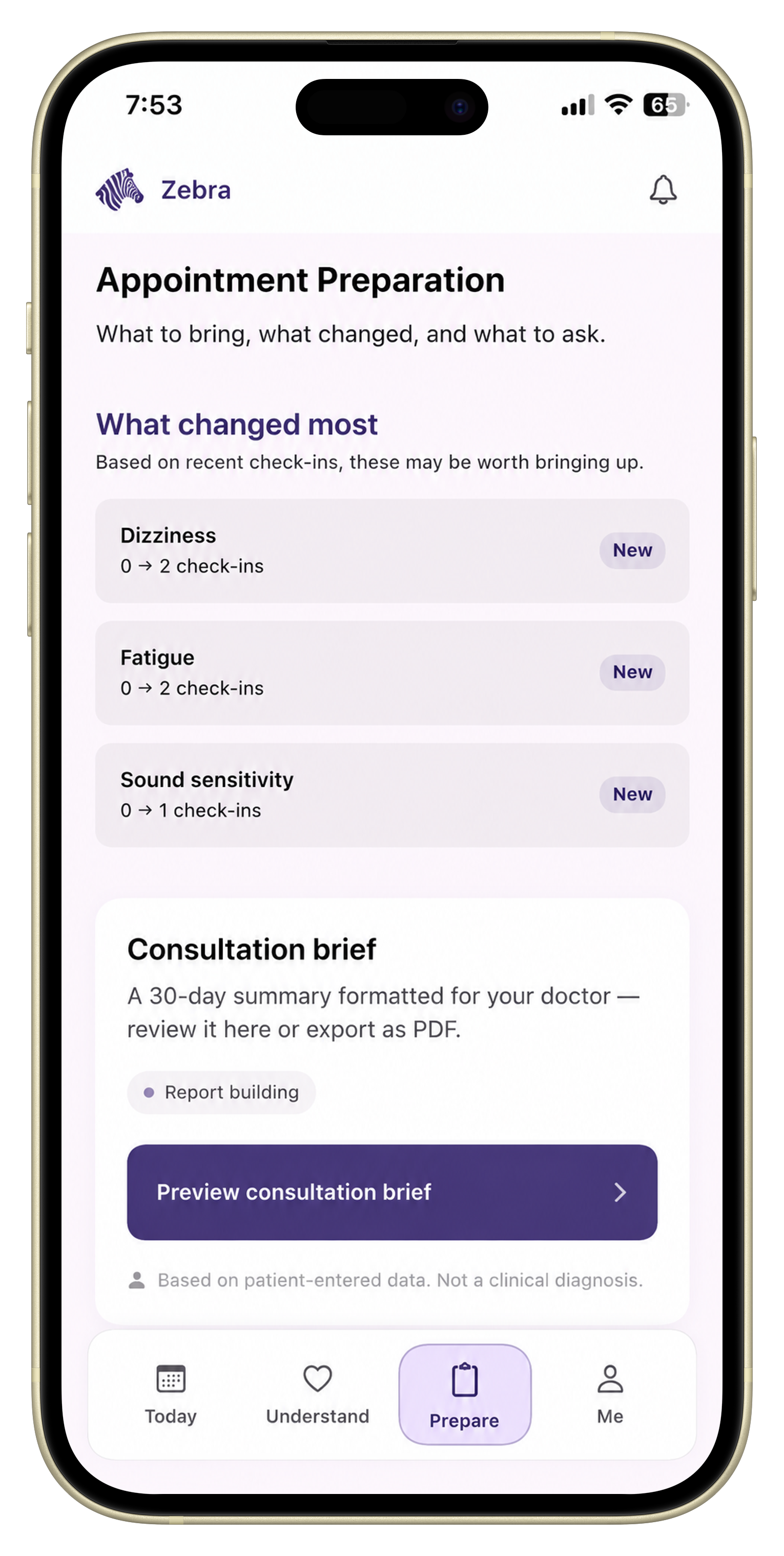
Zebra is built to turn day-to-day tracking into a cleaner health history. Instead of keeping symptoms, flares, medications, and function changes in separate tools, the goal is to keep them in one patient-entered record that is easier to review before a doctor visit.
Pull recent symptom changes, function impact, medication changes, and questions into one short structured summary.
Yes, if it helps show when symptoms changed and what happened around them. A short timeline is often easier to use than scattered notes.
Include enough detail to explain what changed and what matters now. Save the extra detail for follow-up questions if needed.
Put this into practice
Use Zebra to organize your history in one place.
Download ZebraKnowledge hub
Keep exploring
A practical symptom checklist for preparing clearer notes before a doctor, specialist, or cardiology appointment.
A practical guide to choosing a symptom tracker that helps before specialist and follow-up appointments.
Learn what to track before a specialist appointment, including symptoms, flares, medications, function changes, and your top questions.
A practical framework for tracking how symptoms affect daily life before a doctor appointment.