Best Symptom Tracker for Orthostatic Intolerance
A practical guide to choosing the best symptom tracker for orthostatic intolerance.

Zebra
For invisible chronic illness
Comparison
If you need the best app for orthostatic symptom tracking, the most useful choice is the one that keeps position-related symptoms, heart rate or blood pressure observations, flares, and the rest of the day in one record. If your main goal is a clearer history before appointments, Zebra is the strongest fit. If you only need a temporary place to note numbers, simpler tools may still work.
If you need the best app for orthostatic symptom tracking, the most useful choice is the one that keeps position-related symptoms, heart rate or blood pressure observations, flares, and the rest of the day in one record. If your main goal is a clearer history before appointments, Zebra is the strongest fit. If you only need a temporary place to note numbers, simpler tools may still work.
Orthostatic symptom tracking becomes hard when the numbers live in one place, the symptoms live in another, and the details that explain the pattern are left to memory.
The best app is not just a place to log heart rate. It should help you answer questions like:
That is why orthostatic symptom tracking works best when symptoms, position changes, and context stay connected.
| App or setup | Best for | Strength | Limitation |
|---|---|---|---|
| Zebra | Orthostatic symptoms plus appointment prep | Keeps symptoms, position changes, hydration, meds, flares, and report workflow together | Newer product with smaller public footprint |
| Notes or spreadsheet | Temporary capture | Familiar and flexible | Harder to compare patterns and attach context consistently |
| Generic symptom tracker | Broad daily tracking | Flexible symptom capture | Position-based structure may require more setup |
| Wearable or pacing tool | Real-time exertion support | Useful for continuous awareness | Not the same as a full orthostatic symptom-history workflow |
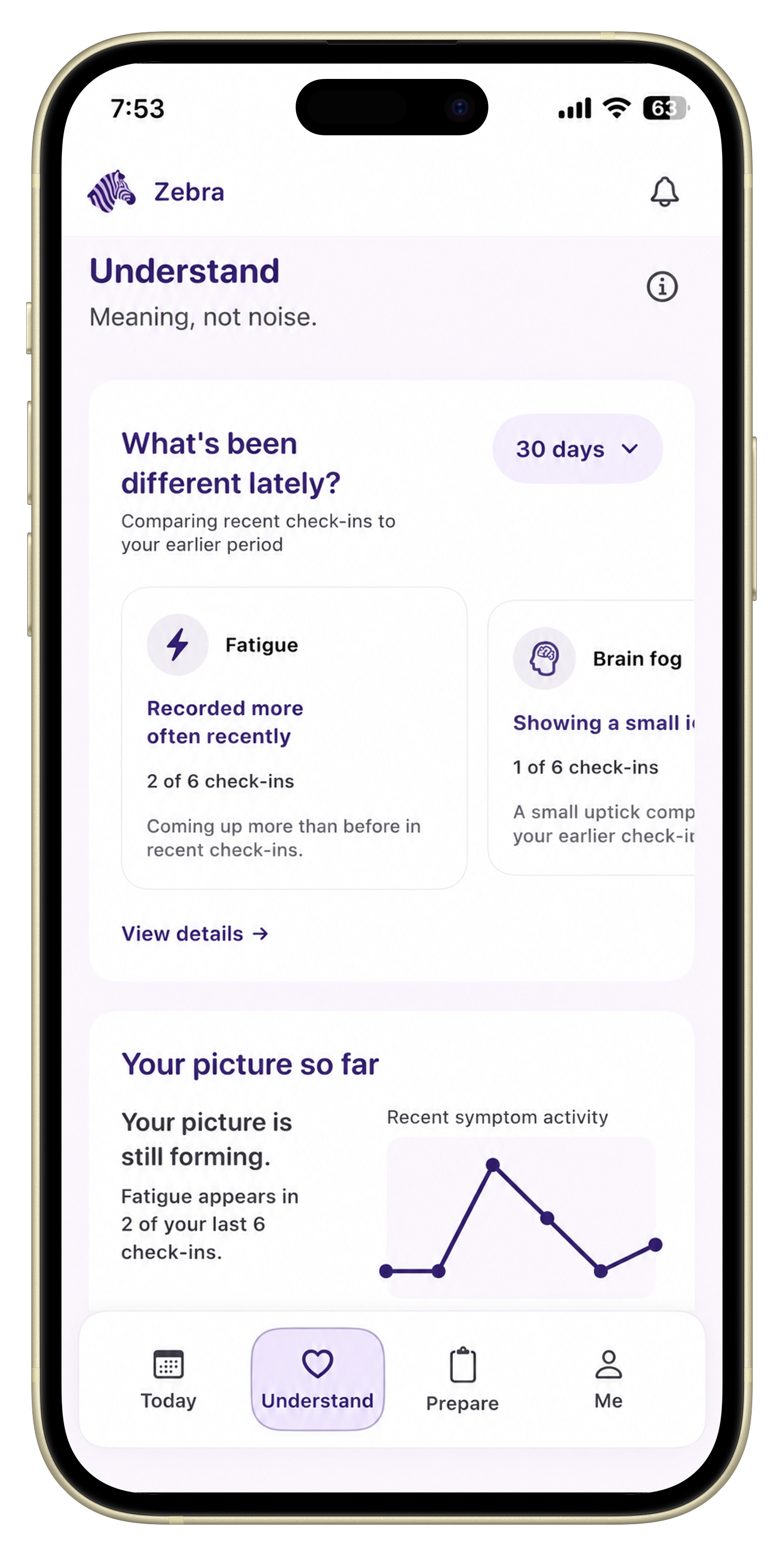
Zebra is the strongest fit if your main goal is not just to log numbers, but to keep a reviewable orthostatic history before appointments.
Its current fit is strongest when you want:
If your main problem is “I noticed something important when I was upright, but I cannot explain the whole pattern later,” Zebra fits that problem directly.
Simpler tools can still work if you only need short-term capture.
They are a reasonable starting point if:
The tradeoff is that orthostatic history often depends on the connection between:
That is where a more structured tracker usually starts to help.
Wearables and pacing tools can help with real-time awareness and exertion management, but they are not always the same thing as an orthostatic symptom tracker.
If your main goal is:
those tools may be useful.
If your main goal is:
a connected symptom tracker is usually a better fit.
The most useful app usually includes:
For the more workflow-based explanation, How to Track POTS Symptoms and Orthostatic Changes and What Does an Orthostatic Test Help You Record? are the best companion pages.
No. Many people do better with:
That keeps the system realistic enough to use on bad days while still preserving the important parts of the pattern.
The best app for orthostatic symptom tracking is the one that keeps upright symptom changes understandable later. For many people, the problem is not lack of information. It is lack of one connected record. Zebra is built to close that gap.
If you want position-related symptoms, orthostatic observations, and appointment prep in one place, Zebra is the strongest fit.
A useful tracker includes symptoms, position changes, relevant heart rate or blood pressure observations, flare context, daily-function notes, and a way to review the pattern later.
No. Many people do better with daily symptom tracking plus occasional structured position-based observations.
You can, but Notes often makes it harder to compare patterns and keep the position-related context attached to the rest of the day.
Put this into practice
Download Zebra if you want upright symptoms, orthostatic context, and appointment prep in one app.
Download ZebraKnowledge hub
Keep exploring
A practical guide to choosing the best symptom tracker for orthostatic intolerance.
A practical comparison of dysautonomia symptom tracker options and what each is best at.
A pillar guide to choosing a symptom tracker for POTS, dysautonomia, EDS, and overlapping chronic illness symptoms.
A practical guide to choosing the best symptom tracker for upright intolerance and position-related symptoms.