
Fibromyalgia Flare Tracker: What to Log During a Bad Flare Day
A practical fibromyalgia flare tracker guide for logging pain, fatigue, sleep, brain fog, triggers, recovery, and what helped.

Zebra
For invisible chronic illness
Symptom Tracking
When symptoms are already exhausting, tracking can feel like one more job. Start with seven tiny daily notes: what happened, what changed, what helped, and what the symptom stopped you from doing.
Starting a symptom journal can feel backwards when you are already overwhelmed. The day is hard, your brain is tired, and now you are supposed to become your own health secretary?
You do not need to track everything. For the first seven days, the goal is much smaller: capture one useful note per day.
Kaiser Permanente notes that a symptom diary can help your doctor diagnose and treat your condition because some symptoms are hard to describe from memory. CDC also advises people with chronic conditions to monitor health at home when it is part of the care plan and to tell the health care team about new or worsening symptoms.
So the first week is not about perfect data. It is about building a record you can actually keep.
On a hard day, one sentence is enough.
Useful examples:
Each note connects symptom, context, and impact. That is the whole job.
Do not start with every symptom you have.
Pick the one to three symptoms that most affect your day, such as:
If you track too much on day one, you may stop by day three. Start smaller than you think you need.
Use a simple 0 to 10 score.
You can define it like this:
The exact number is less important than using the same scale consistently.
Timing helps turn scattered symptoms into a pattern.
Track:
Kaiser Permanente’s symptom diary asks when symptoms start, when they bother you most, and whether they come and go during the day. That is a good model: simple timing beats complicated tracking.
You are not trying to prove a trigger. You are collecting clues.
Write down whether symptoms seemed affected by:
Use plain language: “worse after stairs,” “better lying flat,” “worse after poor sleep.”
Do not change medication based on a symptom tracker alone. But do track context that helps your clinician.
Useful notes include:
CDC emphasizes taking medicines as prescribed and asking your doctor or pharmacist if you have questions. Your tracker can help you remember what happened before the question disappears.
Functional impact is often the most useful part of the note.
Track what symptoms stopped, changed, or delayed:
“Pain 7/10” is useful. “Pain 7/10, could not stand long enough to cook” is clearer.
After seven days, scan your notes and write three questions.
Examples:
This turns tracking into appointment preparation instead of an endless chore.
Use this if you want structure:
| Day | What to log | Minimum version |
|---|---|---|
| 1 | Top three symptoms | ”Today the main problem was…“ |
| 2 | Severity | ”Symptom was __/10.” |
| 3 | Timing | ”Worst at __, lasted __.“ |
| 4 | Better or worse | ”Worse after __, better with __.“ |
| 5 | Medication/context | ”Meds/care plan: __.“ |
| 6 | Functional impact | ”It stopped me from __.“ |
| 7 | Questions | ”Ask doctor: __.” |
If you miss a day, do not restart. Add what you remember and keep going.
Helpful background:
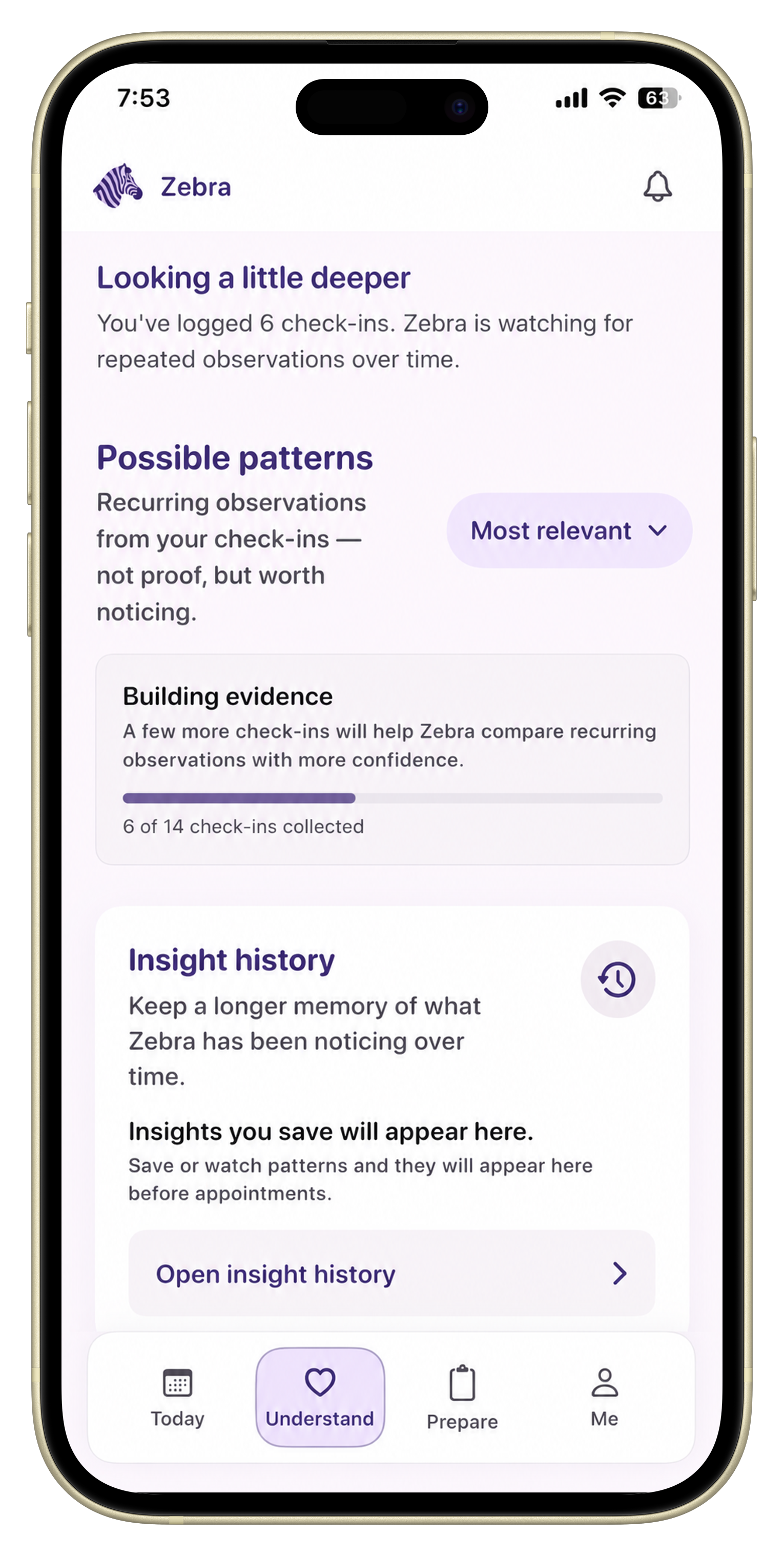
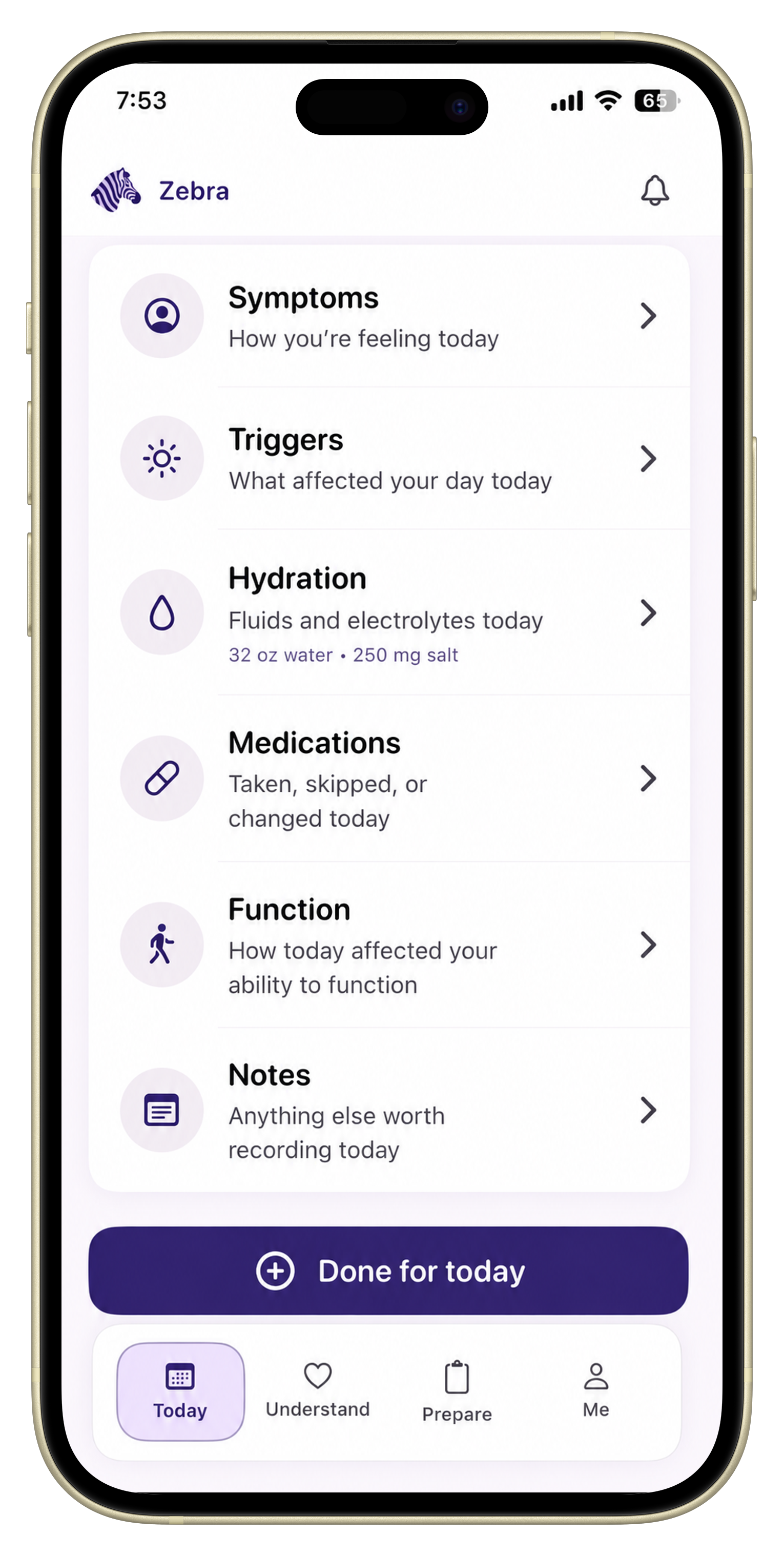
Zebra is built for this kind of low-effort tracking: symptoms, severity, triggers, medications, notes, activities of daily living, and appointment questions in one place.
It does not diagnose or tell you what your symptoms mean. It helps you stop relying on memory when the appointment finally arrives.
Track your top symptoms, severity, timing, what made symptoms better or worse, medication context, recovery time, and what symptoms stopped you from doing.
Write one sentence or use a few quick fields. A useful note can be as short as: pain 7/10, worse after shower, lay down 40 minutes, canceled errands.
No. Start with the one to three symptoms that most affect your day. You can add more later if tracking feels manageable.
Even seven days can reveal appointment-ready examples. Longer tracking can show patterns, but the first week is mainly about building a sustainable habit.
No. Zebra helps organize patient-entered history for appointments. It does not diagnose, treat, or replace medical care.
Put this into practice
Use Zebra to keep symptoms, triggers, medications, notes, and appointment questions in one calm timeline.
Download ZebraKnowledge hub
Keep exploring
A practical fibromyalgia flare tracker guide for logging pain, fatigue, sleep, brain fog, triggers, recovery, and what helped.
A practical guide to tracking migraine and headache days, symptoms, medication response, possible triggers, sleep, hydration, menstrual cycle context, and appointment-ready summaries.
A practical guide to tracking cycle-related flares, POTS symptoms, fibromyalgia pain, fatigue, brain fog, GI symptoms, medications, and appointment questions.
A practical tracking guide for people managing overlapping POTS, EDS or hEDS, and MCAS symptoms before appointments.