Best App for Autonomic Symptom Tracking
A practical guide to choosing the best app for autonomic symptom tracking and reviewable appointment history.

Zebra
For invisible chronic illness
Comparison
A notes app is best for quick thoughts. A spreadsheet is best when you want full control over the columns. A symptom tracker is best when the record needs to survive brain fog, flares, medication changes, and doctor appointment prep.
A symptom tracking system usually breaks in one of two moments:
That is the better way to compare a notes app, a spreadsheet, and a symptom tracker.
Not by which one has the most features.
By which one still works when you are foggy, flared, rushed, or trying to remember what changed since the last visit.
Notes apps work well when you need:
They are often the easiest place to start.
Use a notes app when the thought is small and immediate:
The problem comes later. Notes are hard to compare over time, hard to summarize quickly, and easy to forget once you have more than a few entries. A note can hold the detail, but it usually does not turn the detail into a usable history by itself.
Spreadsheets work well when you want:
Use a spreadsheet when you want to choose every field yourself:
The tradeoff is upkeep. Spreadsheets usually require more energy and more maintenance. They can also become hard to use on brain-fog days or during flares, especially on a phone.
A symptom tracker is usually strongest when you need:
That is especially true if the problem is no longer “I forget to write things down.”
The problem has become:
“I have symptoms, notes, medication changes, salt, water, vitals, and flare details in too many places.”
At that point, the tracker is useful because it gives the history a shape before the appointment asks for it.
Before choosing a tool, ask one practical question:
Can I use this on a hard day and still understand it three weeks later?
If the answer is no, the system is too fragile.
A good symptom record does not need to be perfect. It needs to be usable when the doctor asks:
| Tool | Best at | Hardest part |
|---|---|---|
| Notes app | Quick thoughts, questions, one-off details | Turning scattered notes into a pattern |
| Spreadsheet | Custom columns and manual control | Keeping it updated on low-energy days |
| Symptom tracker | Ongoing history and appointment prep | Choosing a tracker that fits your condition and workflow |
Choose a notes app if you need a scratchpad.
Choose a spreadsheet if you like building the structure yourself.
Choose a symptom tracker if the record needs to connect flares, symptoms, medication context, functional impact, and doctor prep without rebuilding the whole story by hand.
This matters most for chronic illness tracking because symptoms are not always tidy. A flare may involve pain, fatigue, dizziness, brain fog, medication changes, hydration changes, heat, sleep, and missed daily function. If those pieces live in separate places, the appointment prep becomes the work.
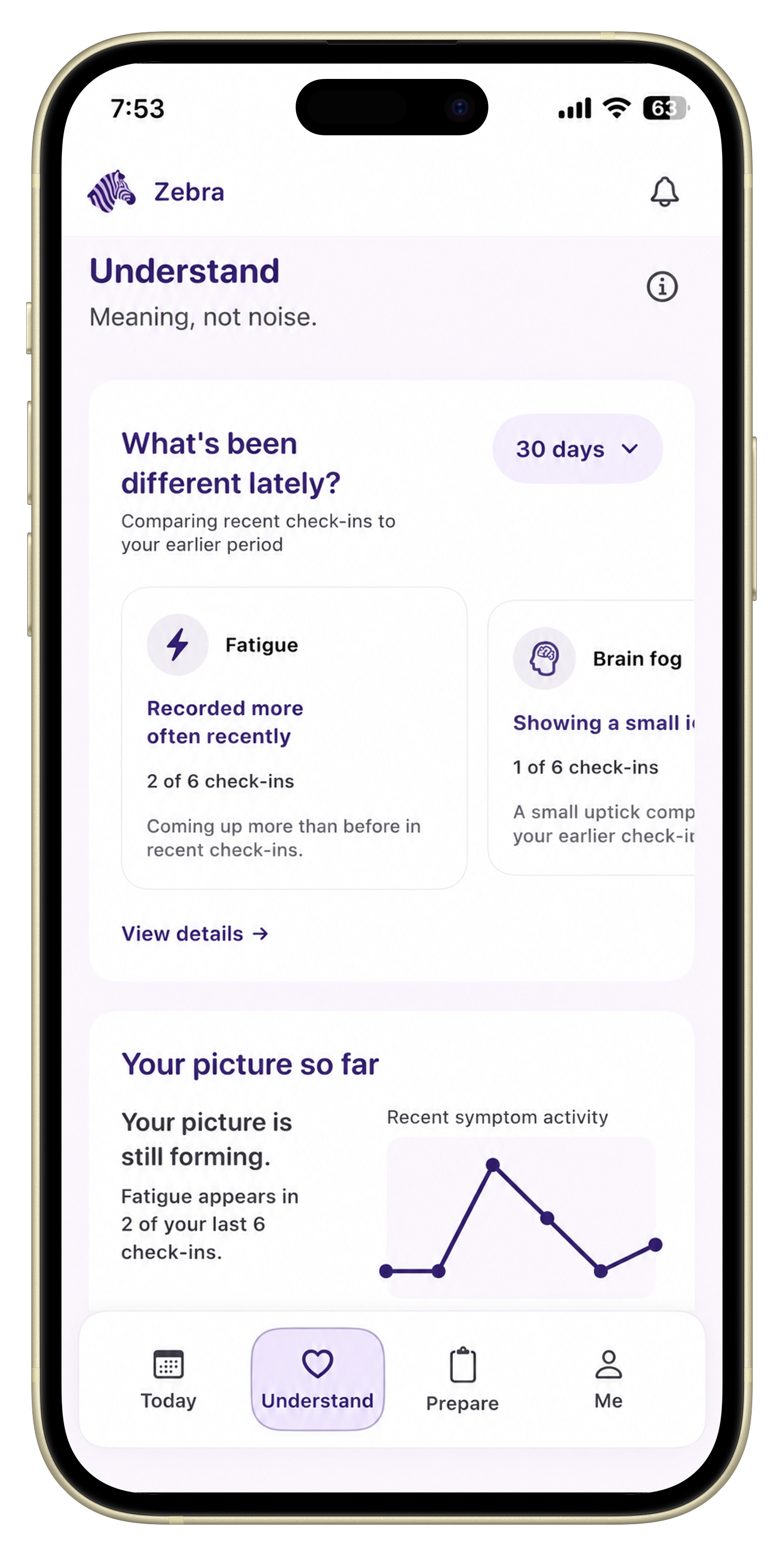
Zebra is for the moment when notes and spreadsheets stop being enough.
It is designed for people who want:
If your current system is working and you can reliably use it before appointments, you may not need to change it. If your current system is scattered, exhausting, or hard to review, that is where a dedicated tracker helps most.
Use Notes if you need the fastest possible capture.
Use a spreadsheet if you want manual structure.
Use a symptom tracker if you need a record you can actually work with later, especially before a doctor visit.
It can be enough for quick capture, but it is often harder to review patterns and prepare for appointments later.
It depends on your workflow. Spreadsheets offer control, but they also create more upkeep. A symptom tracker is often easier for repeated daily use.
You can. The issue is usually not whether Notes can store information. It is whether that information stays organized enough to be useful later.
Put this into practice
See how Zebra keeps everything in one timeline.
Download ZebraKnowledge hub
Keep exploring
A practical guide to choosing the best app for autonomic symptom tracking and reviewable appointment history.
Compare Bearable and Zebra to see which is better for generic symptom tracking, overlap conditions, and appointment prep.
A practical comparison of dysautonomia symptom tracker options and what each is best at.
A pillar guide to choosing a symptom tracker for POTS, dysautonomia, EDS, and overlapping chronic illness symptoms.